
Theme settings
Social media links
Connect real social profiles to the theme’s shared social icons.
Set it up
- Open Social media in Theme settings.
- Enter the complete URLs for the profiles you want to display.
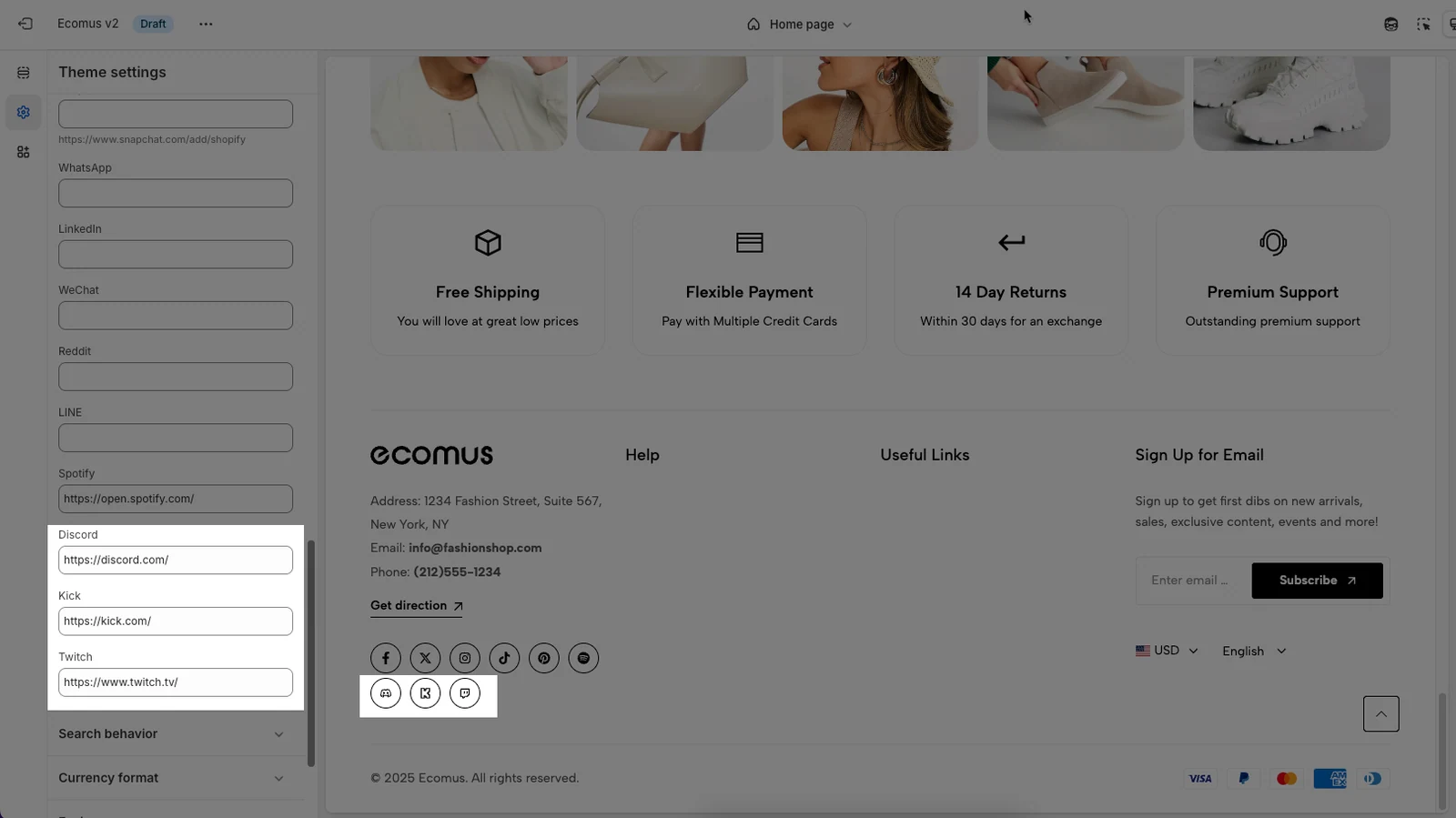
Reference 1. Enter the social-profile destinations.The4 reference screenshot · Controls and branding may differ in your Zayra release. Select the image to view full size. - Enable the social block or icons in the intended header, footer, or section.
- Save and open each link from the storefront.
Check your storefront
- Remove sample URLs and unused profiles.
- A profile link and a share button serve different purposes; check which one the block renders.
Editor controls
Expand a group to see the controls in Zayra 5.4.3. Some options appear only after selecting a related mode or enabling a feature.
Theme settings / Social media19 controls
- Enter the text for this field.
- X
- Enter the text for this field.
- Enter the text for this field.
- Threads
- Enter the text for this field.
- YouTube
- Enter the text for this field.
- TikTok
- Enter the text for this field.
- Enter the text for this field.
- Tumblr
- Enter the text for this field.
- Vimeo
- Enter the text for this field.
- Snapchat
- Enter the text for this field.
- Enter the text for this field.
- Enter the text for this field.
- Enter the text for this field.
- Enter the text for this field.
- LINE
- Enter the text for this field.
- Spotify
- Enter the text for this field.
- Discord
- Enter the text for this field.
- Kick
- Enter the text for this field.
- Twitch
- Enter the text for this field.
Need a hand with your store?
Contact Inspired Marketing