
Theme settings
Favicon
Set the small brand image shown in the browser tab.
Set it up
- Open Favicon in Theme settings.
- Select a simple square brand image that remains recognizable at a small size.
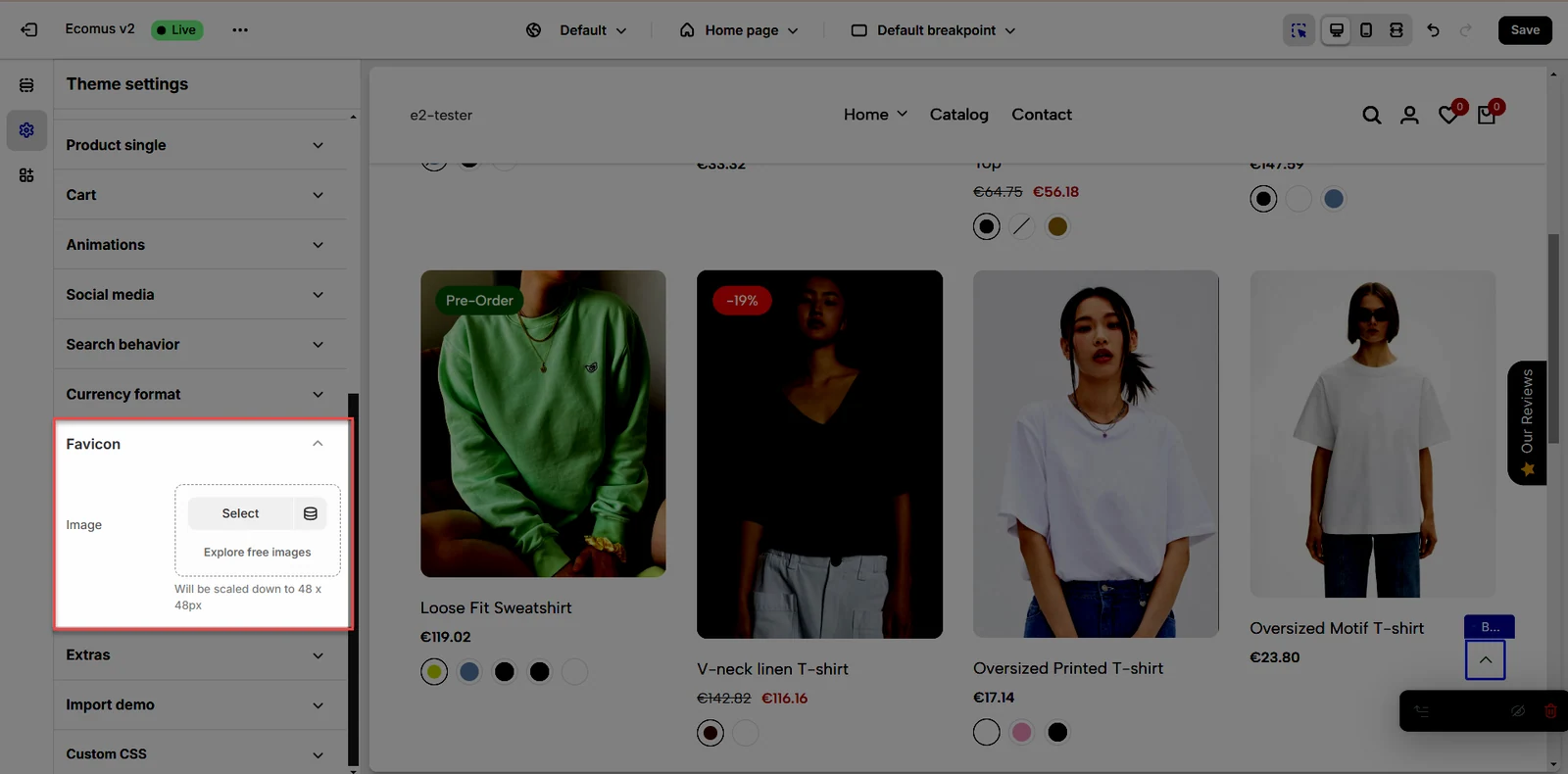
Reference 1. Select the store’s favicon image.The4 reference screenshot · Controls and branding may differ in your Zayra release. Select the image to view full size. - Save and open the storefront in a new tab.
- If the old icon remains, refresh the tab or use a fresh browser session to check the change.
Check your storefront
- Browser favicon caching can delay an updated image.
- Favicon Cart Count is a separate optional section and can affect the tab’s presentation.
Editor controls
Expand a group to see the controls in Zayra 5.4.3. Some options appear only after selecting a related mode or enabling a feature.
Theme settings / Favicon1 controls
- Image
- Choose an image from your store’s files.
Need a hand with your store?
Contact Inspired Marketing