
Theme settings
Extra theme settings
Review countdown time zones, account menus, and optional custom head content.
Set it up
- Open Extras in Theme settings.
- Set the countdown timezone appropriate for your offer.
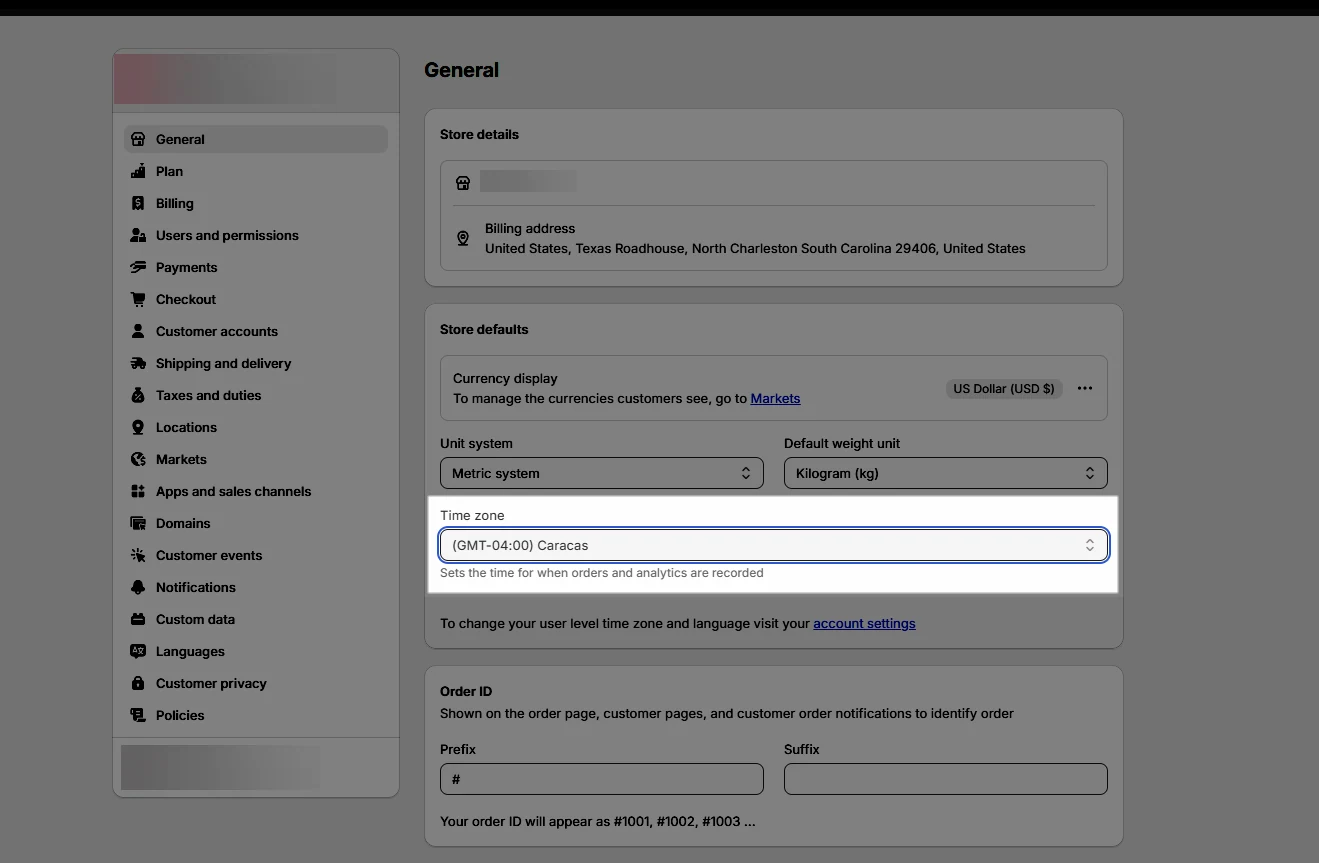
Reference 1. Shopify’s store timezone is used by shop-time countdowns.The4 reference screenshot · Controls and branding may differ in your Zayra release. Select the image to view full size. - Select the intended customer account menu where applicable.
- Use custom head markup only for a reviewed integration, then save and test affected pages.
Check your storefront
- A countdown’s timezone should match the offer’s published deadline.
- Custom markup is delivered to storefront visitors. Keep secrets and administrative code out of it.
- Theme account templates and menus may not apply to Shopify’s newer hosted customer account experience.
Editor controls
Expand a group to see the controls in Zayra 5.4.3. Some options appear only after selecting a related mode or enabling a feature.
Theme settings / Extras4 controls
- Custom in
- Add reviewed HTML content for this area.
- Keywords for homepage
- Enter the content for this field.
- Countdown timezone
- Options: Shop time zone · Users local time zone
- Customer account menu
- Select a navigation menu.
Need a hand with your store?
Contact Inspired Marketing